Project detail
My Portfolio
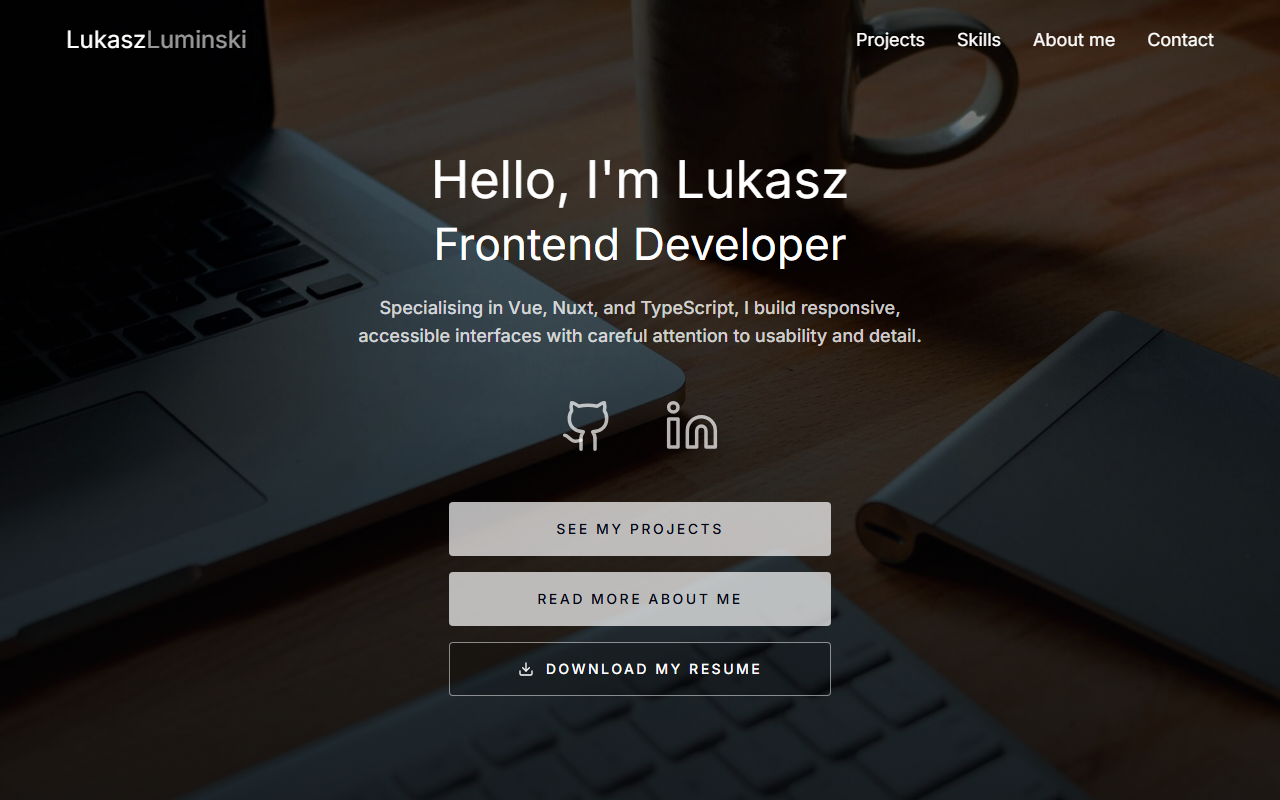
My current portfolio, built with Nuxt, TypeScript, a file-based content system, and an OpenAI-powered assistant.
What mattered
- Typed file-based content
- Responsive and keyboard-friendly UI
- Grounded AI portfolio assistant
Overview
This site replaces the Nuxt and Vuetify portfolio I built in 2020. The old version no longer reflected the tools I use or the kind of frontend work I do now.
Project entries are stored in YAML and checked by a runtime parser before they are displayed. This keeps them easy to edit without adding an external CMS.
Nuxt handles the project pages, metadata, and contact endpoint. Vitest covers the content parser, contact validation, and navigation utilities.
The portfolio assistant uses the OpenAI Responses API through a Nitro server route. It answers from curated portfolio, project, skills, and resume data, while request validation, rate limiting, prompt guardrails, and source links keep the experience focused and transparent.
The challenge
My previous portfolio was built around an older stack and said very little about the work behind each project.
I wanted the replacement to make projects easier to browse and explain, while keeping the content simple enough to edit directly in the repository.
My approach
I rebuilt the site with Nuxt 4, Vue 3, and TypeScript. Each main section has its own feature folder, with shared components used for repeated layout and navigation patterns.
Project content lives in YAML files and is converted into typed application data. The parser reports malformed fields rather than allowing incomplete content through silently.
I used semantic HTML, keyboard-friendly controls, responsive layouts, and scroll restoration between the project grid and detail pages.
Contact submissions are checked on the server, including honeypot and timing checks for basic spam filtering. Tests cover the content parser, contact validation, navigation utilities, and shared components.
I added an AI assistant backed by the OpenAI Responses API. A Nitro endpoint builds a constrained knowledge context from the site's typed content, validates conversation history, limits request volume, and returns links to the most relevant portfolio sources.
The outcome
Projects can be reordered or updated by editing one YAML file, including their stack, links, summary, and longer notes.
Each project has its own detail page. The optional case study fields allow some projects to include more context without requiring the older entries to use the same format.
Automated tests check project parsing and ordering alongside the contact and navigation behaviour.
Visitors can ask natural-language questions about my experience and work without the assistant inventing details beyond the portfolio's curated source material.
What I learned
Deciding how the project content should be structured was as important as building the page that displays it.
At the current size, files are enough for managing the content. A dashboard would make more sense if updates became frequent or other people needed to edit the site.